
Which PDF tool do I need?
Most PDF jobs fall into five groups. Knowing which group your task belongs to makes it easy to pick the right tool — and to chain tools together when a job needs more than one step.
Combine and divide
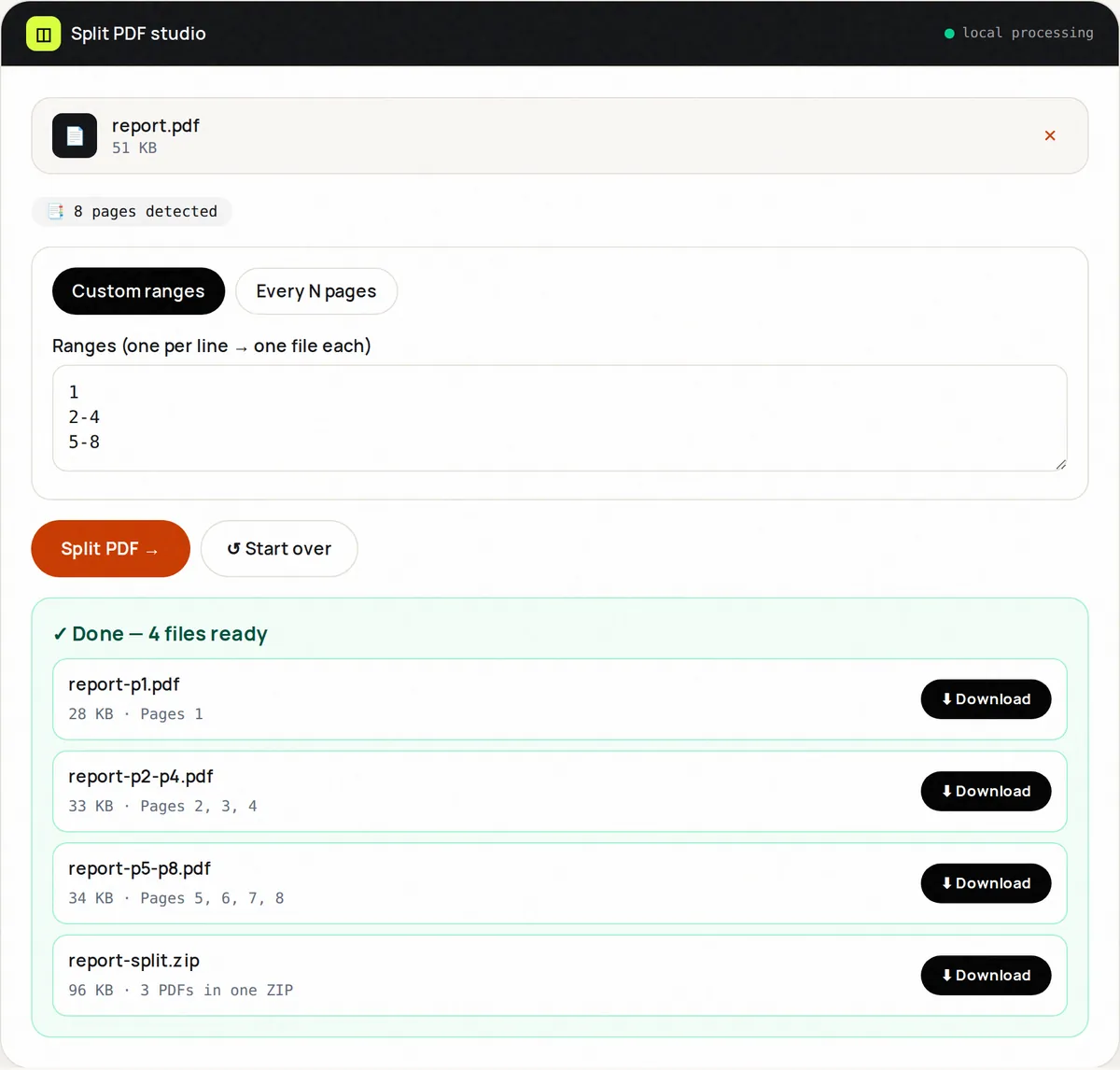
Merge PDF joins up to 20 files into one, in the order you choose — the usual way to build a job application, visa pack or expense claim. Split PDF does the opposite, cutting one document into several files by page ranges or into equal chunks, while Extract PDF Pages copies just the pages you select into a single new file.
Clean up and organize
Scans and exported documents often need tidying. Delete PDF Pages removes blank or unwanted pages, Reorder PDF Pages fixes the page order with thumbnails, and Rotate PDF turns sideways or upside-down pages the right way up. All of these copy pages without re-rendering them, so text stays sharp and searchable. Our guide to merging, splitting and reorganizing PDF pages walks through a complete example.
Make files smaller
Compress PDF offers three levels. Lossless clean-up keeps everything selectable and gives modest savings; Balanced (150 DPI) and Strong (100 DPI) re-encode each page as an image, which shrinks scans dramatically but makes text non-selectable. The tool shows the exact before and after size, and never hands you a file bigger than the original. Read how to reduce PDF file size to understand which level suits your document.
Convert to and from images
PDF to JPG and PDF to PNG render each page at 96, 150 or 300 DPI — JPG for small files and photo-heavy pages, PNG for sharp text and diagrams. Going the other way, JPG to PDF and PNG to PDF place one image per page with your choice of page size and margins, and PDF Scanner adds document-style enhancement for phone photos of paperwork.
Protect
Protect PDF adds an open password using AES-256, the strongest encryption in the PDF standard, so the file can only be opened by people who know the password — in Acrobat, a browser or any other mainstream reader. It can also remove a password you know. See what PDF passwords protect before you rely on one.
Quality and privacy notes
Page operations (merge, split, extract, delete, reorder, rotate) are lossless. Conversions to images and the image-based compression levels are not: they turn pages into pictures, and each tool says so before you run it. All 13 tools process files with pdf-lib, Mozilla's pdf.js and the browser's Web Crypto API on your own device; your files are not uploaded to FreeConvertor.
Frequently asked questions
Do these PDF tools work without installing anything?
Yes. They run in any modern browser on Windows, macOS, Linux, Android and iOS. There is nothing to install and no account to create.
Can I use them on password-protected PDFs?
Remove the password first with the Unlock mode of Protect PDF (you need to know the password). Encrypted pages cannot be merged, split or converted until they are decrypted.
Do the tools keep links, bookmarks and form fields?
Page operations keep each page's text, images and links. Document-level features such as bookmarks and some interactive form fields may not be carried over. Tools that convert pages to images flatten everything into pictures.
What is the largest PDF I can process?
Up to 100 MB per file. Because processing happens on your device, very large or image-heavy PDFs are faster on a computer than on a phone.