Why we built it this way
Most free online converters work by uploading your file to a server, processing it there and offering a download. That model is simple, but it means a copy of your bank statement, passport scan or contract sits — at least temporarily — on a computer you know nothing about. It also means waiting for uploads and downloads, and usually daily limits, sign-up walls or watermarks to control server costs.
Modern browsers are powerful enough to do this work themselves. FreeConvertor sends the processing code to you instead of asking for your file. That removes the privacy question for the files you process, makes large files faster to handle, and keeps our running costs low enough to offer every tool free, without accounts or watermarks.
The technology behind the tools
Every tool is built on well-known, open-source libraries and standard browser features:
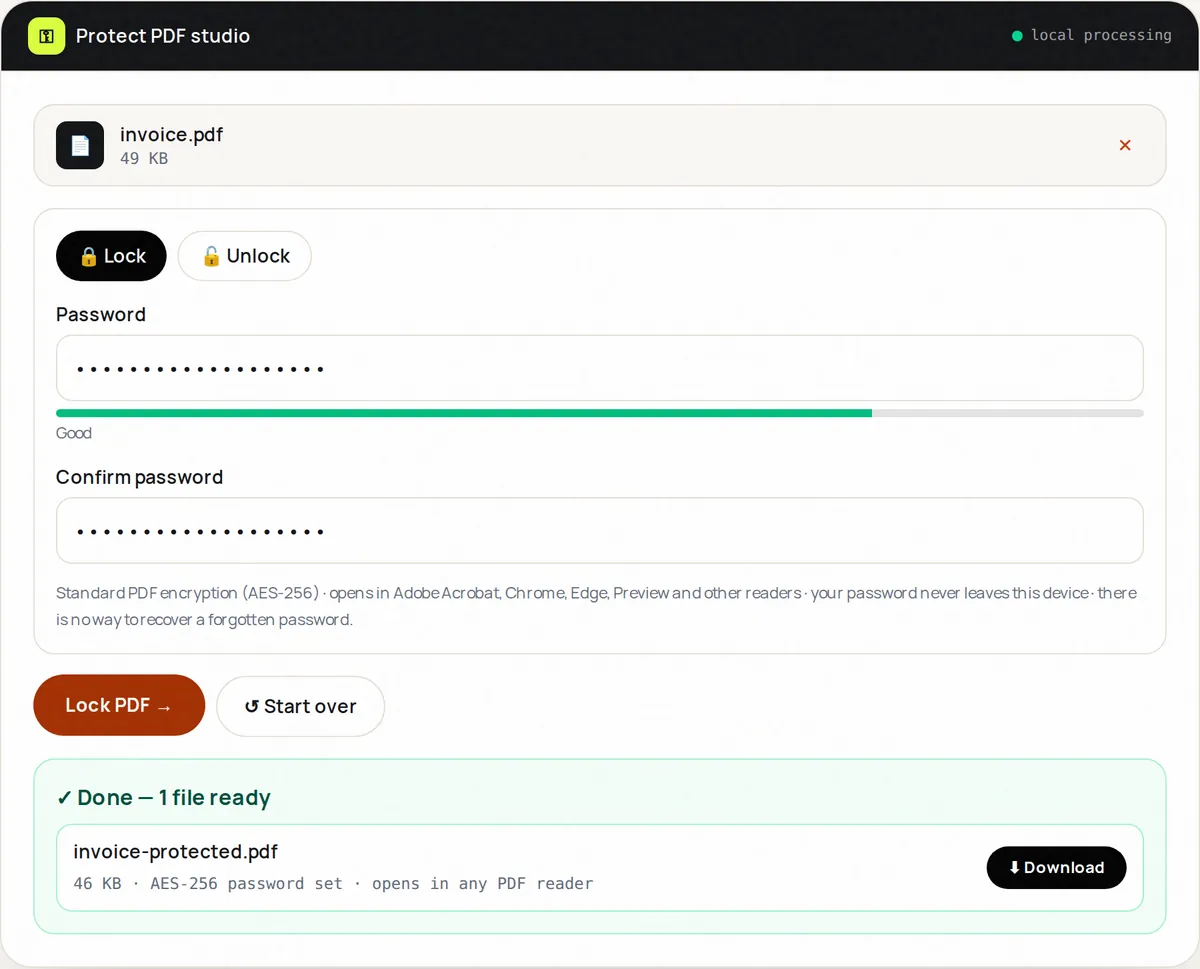
- pdf-lib and @cantoo/pdf-lib read and write PDF documents: copying pages for Merge, Split and Reorder, setting page rotation, and applying standard AES-256 encryption in Protect PDF.
- pdf.js, Mozilla's PDF renderer used in Firefox, draws pages for thumbnails, for PDF to JPG and PDF to PNG, and for the image-based levels of Compress PDF.
- The browser's Canvas API resizes, crops, compresses and converts images in the image tools.
- JSZip bundles multiple outputs into a single ZIP download.
How we test and maintain the tools
The core logic of the tools — page-range parsing, file validation, PDF page operations, encryption and decryption — is covered by automated tests. Outputs are standard files, so you can verify them in any PDF reader or image viewer, and each tool page shows the date it was last updated. When a tool has a limitation — for example, that image-based compression makes text unselectable — we state it on the tool page rather than hide it.
How the guides are written
Our guides explain the background to common file tasks: what makes a PDF large, how PDF passwords work, which image format suits which job. They are written from hands-on use of the tools and checked against primary sources such as the PDF specification, browser documentation and Google's published guidelines. They mention other software, including free alternatives built into your phone or computer, wherever that is the better option. If you spot an error, please tell us and we will correct it.
How the site is funded
FreeConvertor is free to use. To cover hosting and development, the site may display advertising served by Google. Advertising never changes how the tools work, and the files you process are not available to advertisers or to us. Details are in our privacy policy and cookie policy.
Who runs FreeConvertor
FreeConvertor is owned and operated by freeconvertor.tech, which builds and maintains the tools, writes and updates the guides, and is responsible for this website and its content. You can reach the company at hello@freeconvertor.tech.
Contact
We welcome bug reports, feature requests, corrections to guides and privacy questions. Email hello@freeconvertor.tech or use the contact page.
Start exploring: all 20 tools · PDF tools · image tools · guides