
A favicon is the small icon shown in browser tabs, bookmarks, history, phone home screens and next to your site's name in Google search results. It is tiny, but a missing or blurry favicon makes a site look unfinished. Over the years the list of recommended sizes has grown long; in practice a handful of files covers every current platform.
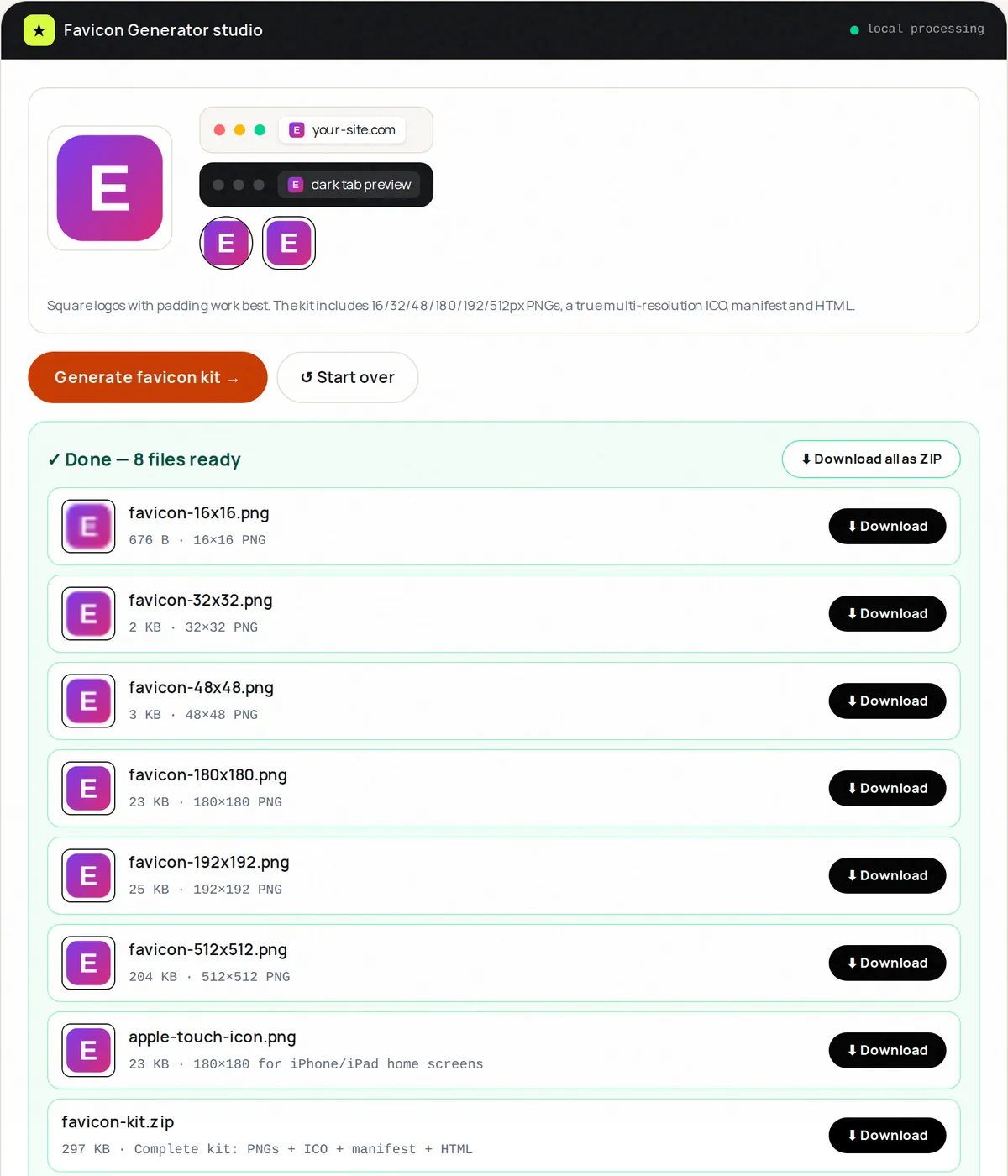
The files that matter today
- favicon.ico — a single file containing 16×16, 32×32 and 48×48 pixel images. Browsers request /favicon.ico automatically, and it remains the most compatible option.
- PNG icons at 32×32 and 16×16 — referenced with link tags for browsers that prefer PNG.
- apple-touch-icon.png at 180×180 — used by iPhone and iPad when someone adds your site to their home screen. Use a solid background; iOS does not show transparency nicely here.
- 192×192 and 512×512 PNGs listed in a web app manifest — used by Android home-screen shortcuts, installable web apps and splash screens.
Favicon Generator produces all of these from one image, plus a site.webmanifest and the HTML snippet, in a single ZIP.
Favicons in Google Search
Google shows a site's favicon next to its search results. According to Google's guidelines the icon must be square, at least 8×8 pixels, and Google recommends using one larger than 48×48 pixels so it looks sharp on high-resolution screens. The favicon must be crawlable (not blocked in robots.txt), and the home page must reference it with a link tag. Changes can take days or weeks to appear in results.
The HTML to add
Place the generated files in the root of your site and add these lines inside the <head> of every page (the generator's snippet contains the same):
- <link rel="icon" href="/favicon.ico" sizes="48x48">
- <link rel="icon" type="image/png" sizes="32x32" href="/favicon-32x32.png">
- <link rel="icon" type="image/png" sizes="16x16" href="/favicon-16x16.png">
- <link rel="apple-touch-icon" sizes="180x180" href="/apple-touch-icon.png">
- <link rel="manifest" href="/site.webmanifest">
Designing an icon that works at 16 pixels
- Start from a square image of at least 512×512 pixels, ideally your logo's symbol rather than the full wordmark.
- Simplify: one bold shape or one or two letters. Thin lines and small text vanish at 16 pixels.
- Use strong contrast and test on both light and dark browser themes; a dark logo can disappear on a dark tab bar.
- Leave a little padding so the shape is not clipped by rounded masks on Android and in some browsers.
Troubleshooting
- Old icon still showing: browsers cache favicons aggressively. Test in a private window, clear the cache, or rename the files and update the link tags.
- Icon blurry on phones: make sure the 180×180 and 192×192 files exist and are referenced.
- Wrong icon in Google: check that the home page links the icon, that it is square and not blocked, and wait for Google to recrawl.
Frequently asked questions
Do I still need favicon.ico?
It is not strictly required, but browsers and many tools still request /favicon.ico by default, so providing it avoids 404 errors and maximises compatibility.
Can I use an SVG favicon?
Modern Chrome, Edge and Firefox support SVG favicons and they stay sharp at every size. Safari support is more limited, so keep the PNG and ICO files as a fallback.
What image should I upload to the generator?
A square PNG of at least 512×512 pixels with a transparent or solid background. Crop non-square logos first with Image Crop.